An admin dashboard for orders and content
Once requests pile up, scattered messages are not enough. A dashboard keeps them in one place, with each request's status and who is handling it.
What it does
- Collects bookings, orders or enquiries in one searchable list.
- Lets you change each request's status: new, in progress, confirmed, done.
- Lets you update agreed content such as products, units or schedules.
- Gives each staff member an account with set permissions.
- Exports data as a spreadsheet and sends notifications where needed.
How we build it
We study how you work
Who receives a request, who follows it up, and the stages it goes through until it is closed.
We define screens and permissions
What each role sees, what it can change, and what it cannot see.
We build and connect it
Everything a visitor submits is saved to the database and appears in the dashboard.
We hand it over
Accounts for your team, a short guide, and access to the data in your name.
Good for
- Clinics with daily bookings
- Real estate offices with changing units
- Companies receiving many quote requests
- Training centres with registrant lists
Limits
- It is not an ERP or accounting system; it manages what comes from the website and what was agreed.
- Any screen, report or integration not written into the scope is priced and approved before work starts.
- It needs hosting with a database, a separate yearly cost in your name.
Part of Business Website Plus, with screens and permissions set after studying your needs and written into the proposal. Anything beyond, such as a standalone system or platform integrations, is a custom solution quoted separately.
See the full packagesSites we built for this
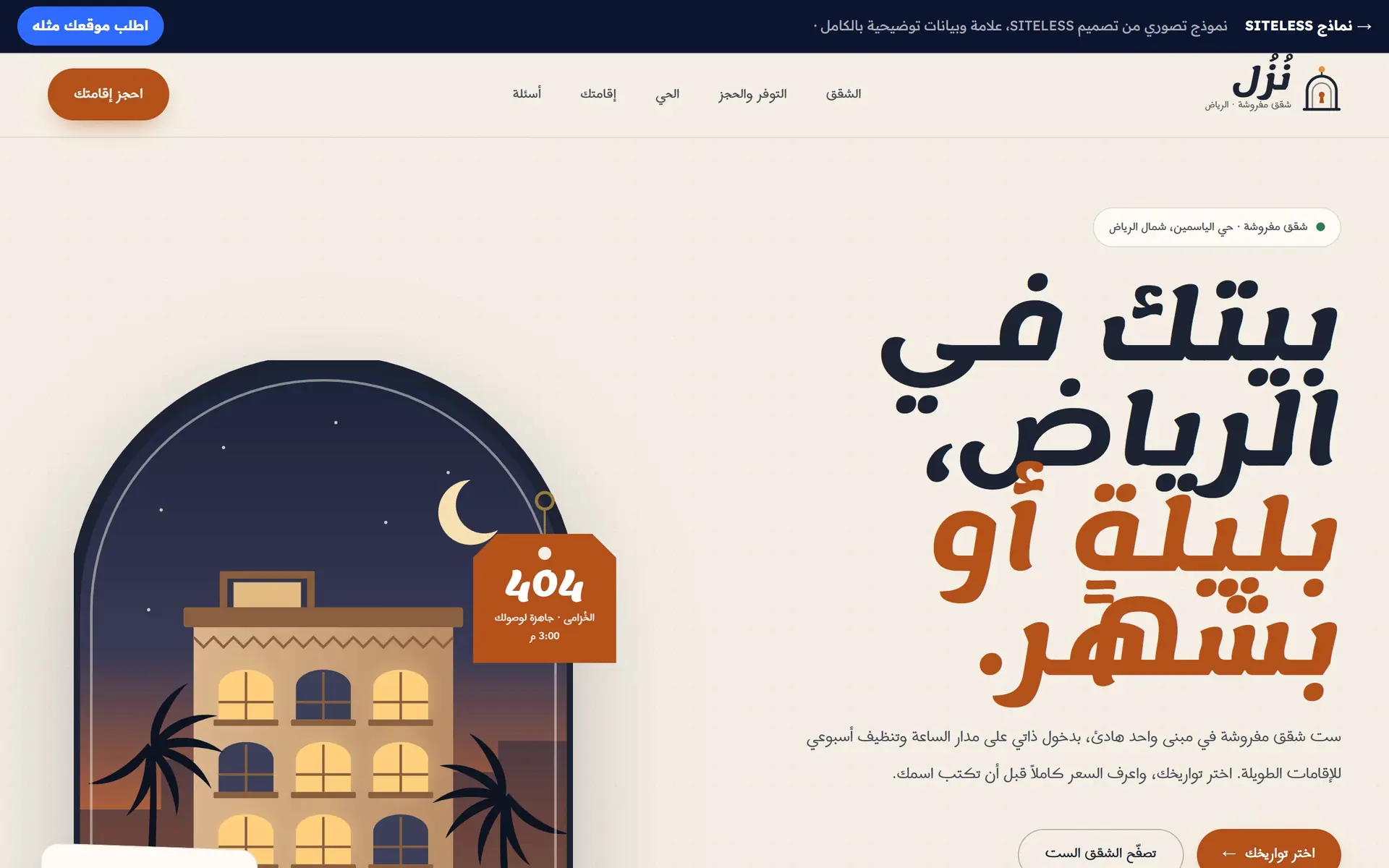
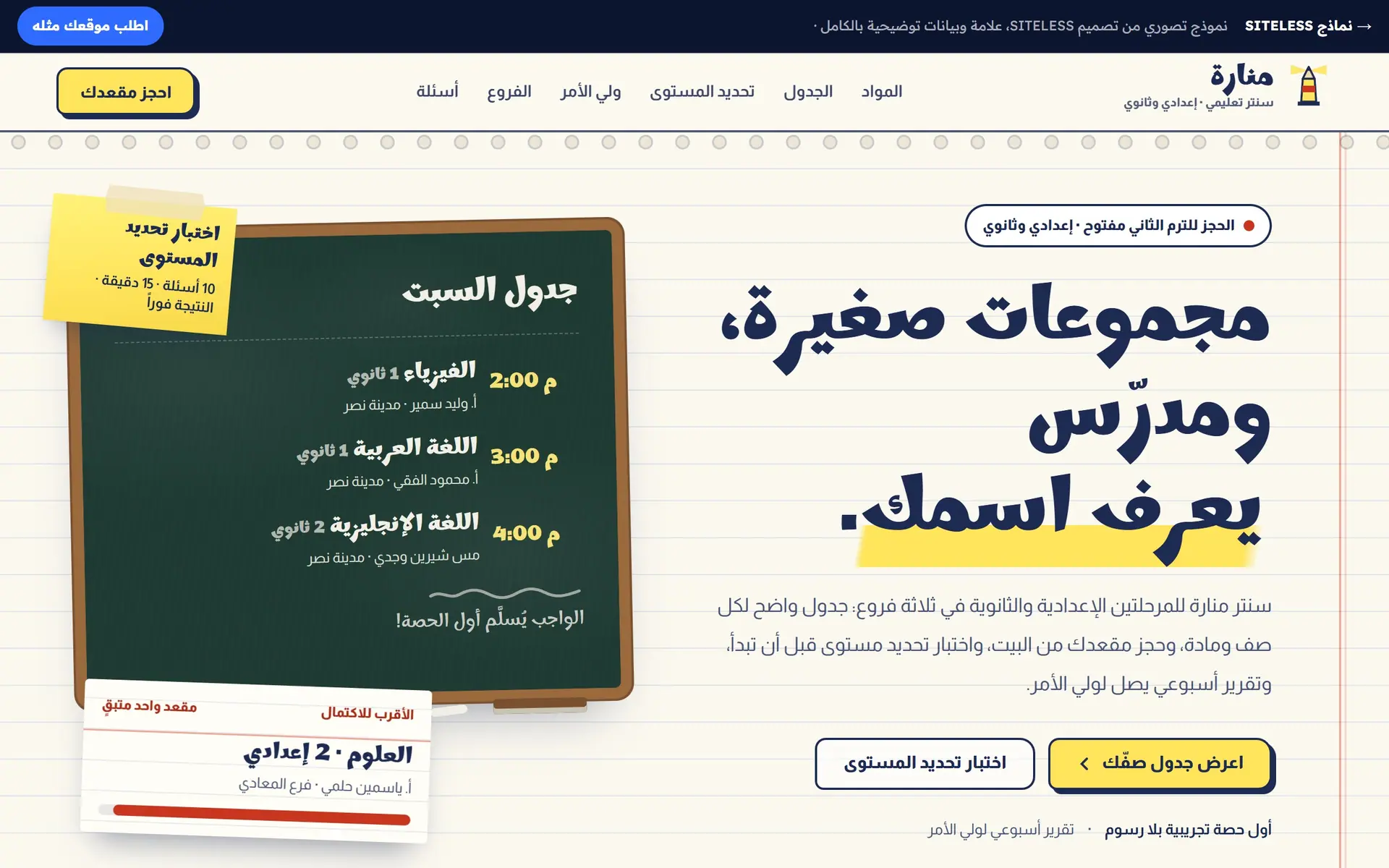
Complete sites you can try yourself: book or order, and see what reaches the business owner.
 Client project
El-Sherif Dental Clinic
Dental clinic website with online booking · Egypt
 Client project
El Masria Safety & Health
Business website for a safety & facility services company · Egypt
Industries that use it
Questions about this feature
Does the dashboard work on a phone?
Yes, we design it for phones and computers, and data-heavy screens are reviewed on mobile in particular.
Who owns the data?
You do. The database and accounts are in your name, and we hand over access and export.
Do the demos show a full dashboard?
After each interaction, the demos show the line as it would appear in the owner's dashboard, as a preview. The dashboard itself is built per project to its scope.
Start your project today
Tell us about your business in a minute, and we'll reply with an initial direction and a written scope and price.